GitHub files stay current and free
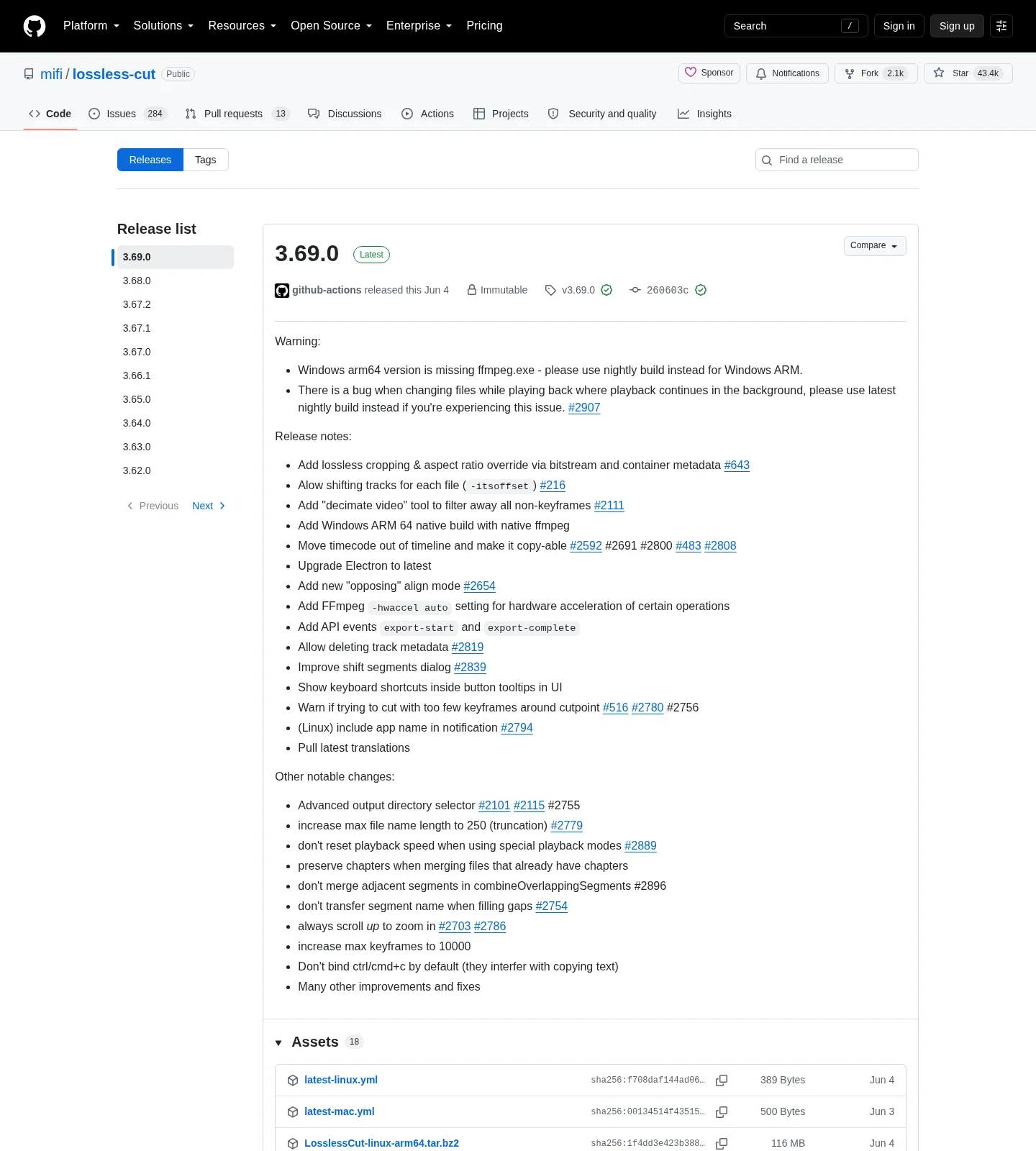
LosslessCut GitHub executables are free. README says that plainly. The current tag lists LosslessCut-win-x64.7z, LosslessCut-mac-arm64.dmg, LosslessCut-mac-x64.dmg, LosslessCut-linux-x86_64.AppImage, and tar.bz2 archives. Take the file that matches the machine in front of you. Related: releases, this computer, download safely, guides.
Product homepage remains losslesscut.app. Files still come from GitHub. License is GPL-2.0. Notes skip inventing a store price. Store listings exist as a paid convenience path the author describes. GitHub stays the mapped path on every OS.
Never pin a dotted number from a blog. The stamp injects the GitHub tag at build. Chooser: releases. Repo: GitHub.
What a store listing is
Microsoft Store listing 9P30LSR4705L and Mac App Store listing id 1505323402 are official store paths the README badges. FAQ says those builds lag GitHub. Auto-update is the convenience. Sandbox rules come with the Mac listing: output-dir prompt, no VOB. A store account is the store’s. The GitHub build does not ask for an account.
Linux Snap is a supporting store the author publishes. README badges snapcraft.io/losslesscut. That is not the primary Linux file these notes map. Primary Linux file is the GitHub AppImage or tar. Flathub is unofficial. README says that listing is not maintained by the author.
Windows 7z versus Microsoft Store
Windows has no installer. Extract LosslessCut-win-x64.7z with 7-Zip and run LosslessCut.exe. Walk: extract on Windows. The APPX on the tag is Store packaging and does not work as a manual download. There is no official WinGet package id. Author FAQ says WinGet is not maintained by him. Notes skip inventing a package line.
Pick the 7z when you want the current GitHub tag and a folder you control. Pick the Microsoft Store listing when you already live in that store and accept lag. Mixing both is two copies. Safety: is it safe. Current tags assume Windows 10 or 11 x64. Windows 7, 8, and 8.1 are dropped.
macOS dmg versus Mac App Store
Mount the matching dmg and drag to Applications. Apple Silicon takes LosslessCut-mac-arm64.dmg. Intel takes LosslessCut-mac-x64.dmg. Walk: install on macOS. PKG does not work. These notes print no Homebrew command. Author FAQ says Homebrew is not maintained or vetted by him. README Download section does not name brew.
Pick the dmg when you want the current GitHub tag. Pick the Mac App Store listing when you already live in that store and accept sandbox limits and lag. Mixing both is two copies.
Linux AppImage versus Snap
Primary Linux file is LosslessCut-linux-x86_64.AppImage or LosslessCut-linux-x64.tar.bz2 from GitHub. Mark the AppImage executable, then run it. arm64 and armv7l tarballs exist for boards that match those names. Walk: install on Linux.
Snap is supporting only. README badges the Snap Store listing losslesscut. Snap confinement can change disk visibility. AppImage runs as a file in a folder you chose. Pick one channel so a Snap and a loose AppImage do not fight. Flathub stays unofficial.
| Channel | What you get | Lag | Cost note |
|---|---|---|---|
| GitHub 7z / dmg / AppImage | Current tag files | None beyond GitHub | Always free |
Microsoft Store 9P30LSR4705L | Store build | FAQ: lags GitHub | Paid convenience. No dollar invented here. |
Mac App Store id 1505323402 | Sandbox store build | FAQ: lags GitHub | Paid convenience. No dollar invented here. |
Snap losslesscut | Author-published Linux store | Snap channel | Supporting only |
| Flathub | Unofficial | Not mapped | README: not maintained by the author |
| APPX or PKG on the tag | Store packaging | N/A | Does not work as a manual download |
APPX, PKG, and noise on the tag
The release list also shows APPX names, PKG names, and names that include DO-NOT-DOWNLOAD. README says APPX does not work for a manual download and PKG does not work. Skip them. Skip *.blockmap and latest-*.yml. Those are updater noise.
Softonic, CNET, and countdown wrappers are none of those channels. Match publisher path mifi/lossless-cut. A helper that wraps the name is a different file. Nightly builds on the author site are not the path these notes map.
How to pick one channel
Name the OS. Name whether you want the current GitHub tag. If yes, take the 7z, dmg, or AppImage. If you already buy apps in a desktop store and accept lag, the listing the README badges is the supporting path. If you are on Linux and want a store the author publishes, Snap is supporting only. The GitHub AppImage remains the mapped Linux file.
Home: video trimmer home. Compare HandBrake if the real job is compress: versus HandBrake. Effects: versus Shotcut. Migrate: move off re-encoders. Switch: switch from re-encode editors.
Updates, uninstall, and extra copies
GitHub: download a new asset and replace the folder or app. Snap: refresh through that store. Store: the store updater. Do not mix a new 7z on top of a store install and then wonder which binary ran. Uninstall extras in Apps settings, Trash, or the Snap remove for that listing.
Settings live in %APPDATA%\LosslessCut, ~/Library/Application Support/LosslessCut, or ~/.config/LosslessCut. .llc files sit next to the media unless you turn them off. Optional portable Windows: empty config.json next to LosslessCut.exe, per issue 645. Donations for the project sit on the author pages the README names.
Default cut is keyframe-aligned codec copy. Extra frames can remain at the in-point. Smart cut is experimental: smart cut. Keyframe detail: keyframe cuts. Merge: merge segments.
Pick-channel steps:
- Open GitHub Releases for mifi/lossless-cut.
- Take
LosslessCut-win-x64.7z, the matching dmg, or the Linux AppImage or tar. Skip APPX and PKG. - Use Microsoft Store, Mac App Store, or Snap only as a supporting path that lags or confines.
- Launch, cut a throwaway file, and export a codec-copy cut.
Frequently asked questions
Setup, Store, or GitHub 7z?
On Windows there is no setup installer. Take LosslessCut-win-x64.7z from GitHub Releases. Store listing 9P30LSR4705L is supporting and lags. Related: Windows extract.
Why is the Store build older?
FAQ says store listings lag GitHub. GitHub downloads stay free. Notes skip inventing a dollar amount. Related: releases.
APPX or PKG from the release list?
Skip both. README says APPX and PKG do not work for a manual download. Names that include DO-NOT-DOWNLOAD are the same warning.
Is the Snap build official?
Yes as a supporting Linux store. README badges Snap. Primary Linux file is the GitHub AppImage or tar. Flathub is unofficial. Guide: Linux install.
Is there a WinGet package id?
No official id on 2026-09-02. Author FAQ says WinGet is not maintained by him. The GitHub 7z is the Windows path.